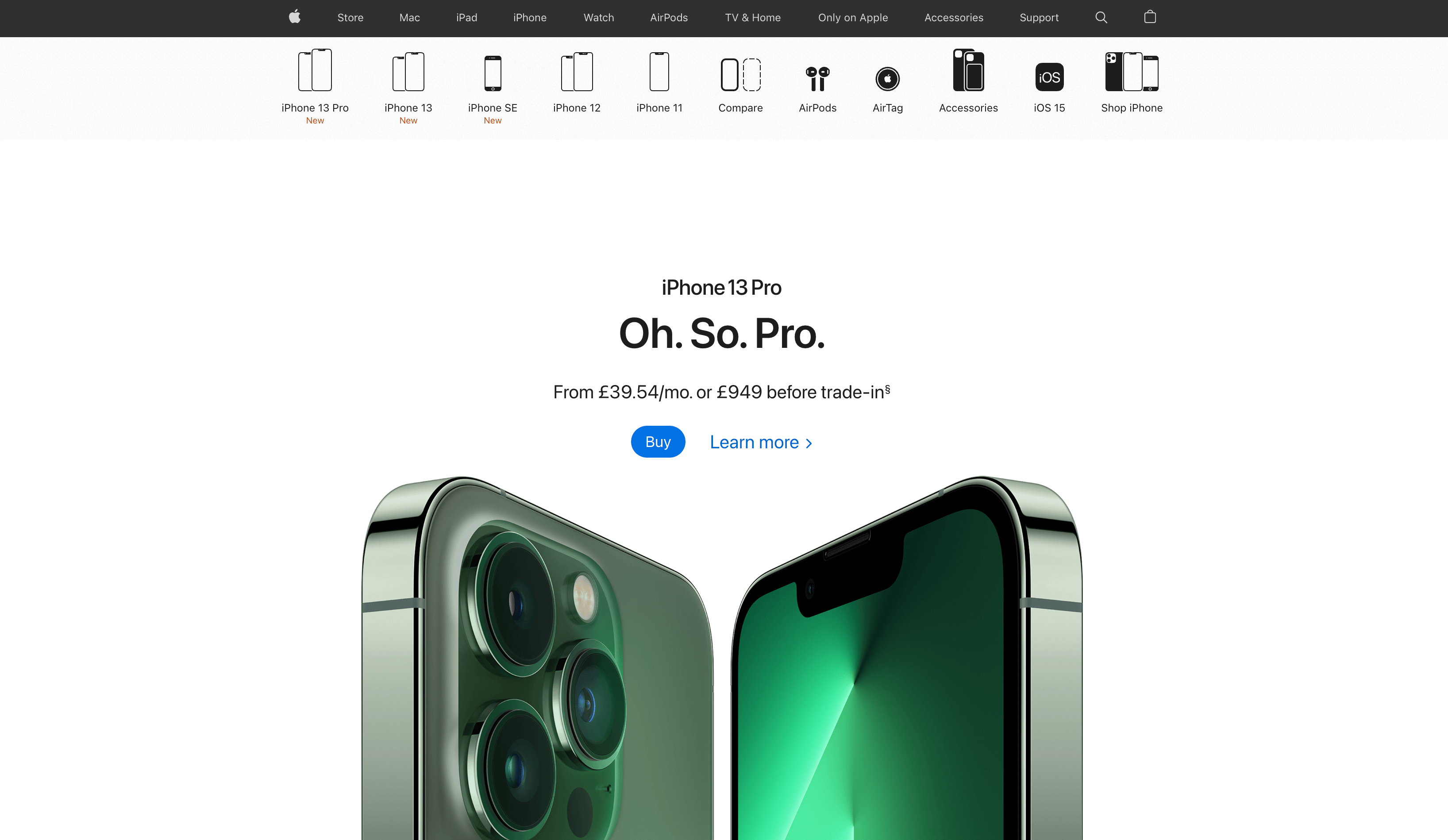
Build your Apple like page.
In this video tutorial, you will learn how to build your website with a design similar to Apple iPhone page. I will show you step by step how to start your project, adjust your color palette, add and adjust relevant sections to match your desired style.
Outline:
Generate your initial page
Adjust your color palette
Add image sections
Add list sections and advance styling
Add menu section
Adjust animations
Timecodes:
0:00
0:25
2:30
3:30
8:30
12:15
14:00
18:00
21:30
20:00
25:45
33:00
31:00
49:30
1:05:30
1:17:15
Youtube:
Thanks for watching and let us know if you have any questions.